

The laptop looked perfect. It was lightweight, a great battery, perfect for online classes, coding clubs, and project work. The exact device Aarav had been asking for months. His school had begun emphasizing that “every student should ideally have access to a personal device at home,” so taking this step felt natural.
But then, why did she hesitate?
This time, Riya’s mind wasn’t on RAM or SSD storage. It was on something she had watched the previous weekend – Adolescence on Netflix.
In the show, a family’s life is torn apart when their 13-year-old son, Jamie, is arrested for murdering a classmate. As the story unfolds, you realise that although Jamie is physically “safe” at home with his laptop, he is being pulled deeper into violent, toxic online spaces – forums, influencers, social media loops far beyond what his parents can see.
There’s a moment almost every parent eventually feels and Riya did too: The parents are in the living room, wondering what really went wrong since they always felt relieved that Jamie was not “out there” on the streets. They never realised that in his room, he was being shaped—hour after hour—by strangers, algorithms and ideas they don’t even know exist.
Riya stared at the glowing “Buy Now” button and thought:
“If I bring a laptop into our home, what am I really bringing in?”
That question is where this story and this article begins.
When a ‘Laptop for Students’ Opens More Than Just Learning
For most modern parents, the gap between their childhood and their child’s isn’t just generational – it’s digital.
Similar to our story where Riya’s earliest memory of computers is sitting in a school lab with slow machines and structured lessons. Aarav’s earliest memory of tech is instinctively tapping YouTube on a phone before he could read, spell, or understand what the internet even was.
By the time a child turns 10 or 12, a silent digital world has already woven itself into their routine.
- They’re part of school WhatsApp groups where jokes, memes, and forwarded videos circulate faster than homework.
- They’ve watched countless YouTube videos, drifting wherever autoplay takes them, sometimes into harmless fun, sometimes into content designed to hook, shock, or manipulate attention.
- Many have even taken their first steps into social media, often without a parent ever noticing.
And studies point to a worrying trend: children who own a smartphone at this age are more likely to experience depression, disrupted sleep, and unhealthy digital habits compared to their peers who don’t. In other words, the risks enter long before the “study laptop” does.
We’re not talking about extreme cases here. We’re talking about ordinary families, just like yours:
- A “study device” that stays connected to Wi-Fi
- A child doing homework… then “just one video”
- Autoplay, recommendations, search suggestions stepping in as invisible co-parents
When parents or schools decide to buy a laptop for students, their mental picture is usually simple: Word documents, PowerPoint slides, Google Classroom, maybe a bit of coding practice. But research makes one thing clear: if the same device is left unsupervised or without clear boundaries, it can quickly open doors to risks that no family ever intended.
Every Parent’s Search for Certainty when Buying a Laptop or any Device for their Children
Before making a decision that could shape her child’s digital life, Riya wanted to be sure just as any parent would. She started reading more after watching Adolescence, determined to understand the risks as well as the benefits.
A large study published in JAMA Psychiatry looked at over 6,500 adolescents aged 12–15. Those who spent more than 3 hours per day on social media had double the risk of experiencing mental health problems such as depression and anxiety.
The U.S. Surgeon General’s advisory on social media and youth mental health echoed this, warning that heavy social media use is strongly linked to poor mental health outcomes in teens.
Closer home, the IC3 Student Well-being Report 2025, based on over 8,000 Indian students, painted a similar picture:
- Many teens report sleep deprivation driven by late-night scrolling
- Career anxiety, academic pressure and online comparison create a “perfect storm”
- A significant proportion say they rarely feel calm, motivated or excited about life
All the research she had just read lingered in Riya’s mind
She imagined Aarav alone with a laptop late at night, the blue light washing over his face, his thoughts racing while his body grew tired. She knew he was a “good kid.” That wasn’t the issue, and the studies made that clearer than ever.
The question was never, “Do I trust my child?”
The real question was, “Can I trust an online ecosystem engineered to pull him in, keep him hooked, and keep him scrolling, especially when no adult is in the room?”
At that moment, Riya understood what many parents only realize too late: buying a laptop wasn’t just a purchase. It was an entry point into a world that demanded guidance, boundaries, and protection just as much as it offered opportunity.
The Question Isn’t “Device or No Device” Anymore But the Boundaries
Riya could have reacted like many anxious parents:
- “No devices until Class 10.”
- “We survived without them, so can you.”
But she also knew that wasn’t practical. Aarav’s school was already giving digital assignments. Skills such as basic computer use, coding, research, and even simple AI tools were now part of everyday learning.
Completely denying a laptop might protect him from some risks, but it could also slow him down in a world where digital skills are essential.
For Riya, the question wasn’t whether Aarav should have a device. The real question was how he would use it and what boundaries would keep him safe while he learned.
So Riya reframed the problem for herself:
- “The question isn’t whether he should have a laptop.
- The question is what kind of laptop experience he should have.”
In simple terms, she needed to think about:
- What should the laptop do by default?
- What it should not allow, at least in the beginning?
- And how to keep communication open so Aarav could talk to her if anything felt uncomfortable, confusing or wrong
At that moment, the solution stopped being about buying a device. It became about creating a safe digital environment that would let Aarav learn with confidence and grow with guidance.
That’s when the solution stopped being about just buying a device and started being about designing a safe digital environment.
The Steps Every Parent like Riya Should Consider Before Buying a Laptop for Students
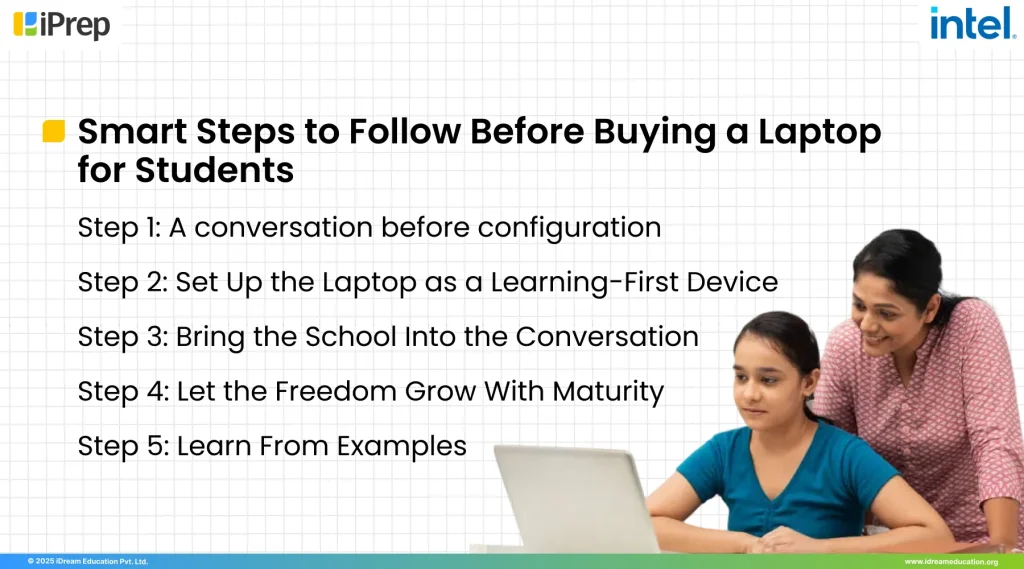
Step 1: A conversation before configuration
Before thinking about settings or filters, Riya did what every parent should do. She began with a simple, honest conversation. She sat with Aarav and explained:
“We’re planning to get you a laptop. But first, let’s talk about how the internet actually works.”
No warnings, no fear-based messaging. Just a few everyday examples of how online spaces can sometimes become distracting, unkind, or overwhelming even for responsible children.
Research and child-safety organisations such as UNICEF consistently highlight this: a child who feels safe talking to a parent is far better protected online than a child who feels judged or afraid.
Riya ended with clarity and reassurance: “If something online ever feels uncomfortable, tell us. We’ll handle it together.” A conversation like this becomes the foundation. Before configurations and controls, children need context, trust, and openness.
Step 2: Set Up the Laptop for Students as a Learning-First Device
When the laptop arrived, Aarav expected the usual setup: create an account, download apps, explore freely. Instead, Riya and her husband did the setup with him, ensuring the device started with the right structure. They:
- Created a child account with limited admin rights
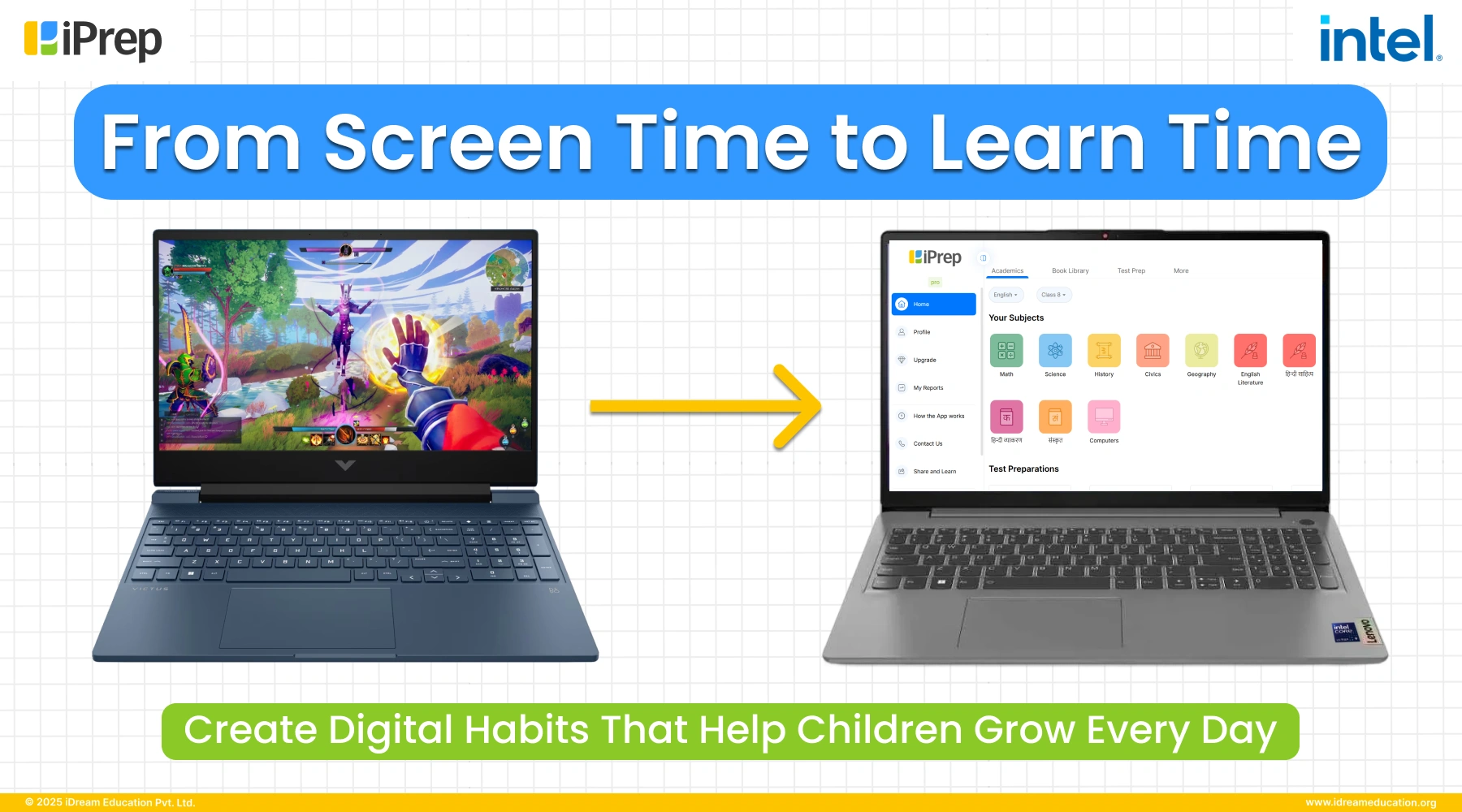
- Installed a learning platform with curriculum-aligned content for NCERT topics, videos, and practice
- Enabled parental controls and basic device management to: allow only selected apps and websites. They also restrict new app installs without approval and auto block adult and high-risk content.
This wasn’t about surveillance. It was about age-appropriate guardrails. Many researches on early childhood screen time also emphasize that unstructured, unguided exposure is associated with developmental delays in communication and problem-solving. On the other hand, structured use especially when adults are involved has more positive effects.
So from Day 1, Aarav’s laptop didn’t open into an endless internet. It opened into a focused learning hub, designed to encourage his creativity, and curiosity, leaving behind unnecessary distractions.
Step 3: Bring the School Into the Conversation
A week later, at the PTA meeting, Riya asked a simple question: “Since many of us are buying laptops for our children, could the school share a recommended list of learning apps and websites and also what to avoid?”
The teachers welcomed it. They were already seeing the effects of unstructured digital use: late-night fatigue, copy-paste assignments, distracted attention.
Over the next month, the school shared:
- A list of approved learning resources, coding sites, research portals
- Guidelines on screen timing around exams and projects
- Some simple rules, like “no phones or laptops in bedrooms after 10 pm
This created alignment. Home and school now had the same digital expectations, and the laptop became an extension of Aarav’s learning environment, not a separate, unsupervised world. On the other hand, it also gives teachers a framework to speak to parents like Riya not only about academics, but also about digital habits, if they notice changes in attention, energy, or behaviour.
Step 4: Let the Freedom Grow With Maturity
Over the next few months, Aarav showed he could handle responsibility. He finished assignments on time. He didn’t argue when his parents said, “Time’s up.” And every now and then, he’d walk up to Riya and say things like: “Mum, a strange ad popped up.” “Someone messaged me in a game – I blocked them.”
Because that door of conversation stayed open, Riya and her husband slowly began to:
- Loosen some content filters
- Allow limited, supervised social media with strong privacy settings
- Introduce him to trusted learning-focused AI tools that explained concepts, helped practise languages, and supported homework without exposing him to unsafe spaces
They also set one rule that stayed constant: “As you grow more responsible, your freedom grows with you. Digital trust is something we build together. The essence of this thought is also covered in researches such as “Social Media Has Both Positive and Negative Impacts on Children and Adolescent”, it says, moderate, purposeful social media use (around 1–3 hours per day), combined with good support systems and digital literacy, can coexist with better mental health than both extreme overuse and total exclusion.
So the answer isn’t “block everything and hope for the best.” The real approach is balance: the right guidance, sensible limits, and slowly increasing freedom as children show responsibility.
Step 5: Learn From Examples – Before a Crisis Happens
Riya often thinks back to Adolescence. Jamie’s parents weren’t negligent. They loved him and were doing their best. They were like many real families: busy, stressed, glad their child was “safe at home” with a device rather than out in risky situations.
What failed Jamie was not a lack of love. It was:
- A lack of visibility into what was shaping his inner world
- A lack of guard rails around his online spaces
- A lack of conversation that might have allowed him to share what he was seeing and feeling
Bringing a laptop into a child’s life puts parents at a fork in the road:
- One path: the device becomes a quiet babysitter with unlimited access
- The other path: the device becomes a powerful, bounded learning tool, guided by parental involvement, school support, and thoughtful use of technology
The difference isn’t in the laptop model. It’s in the story we create around it. It is about the environment, guidance, and habits that shape how children interact with the digital world.
Before You Buy a Laptop for Students, Ask These Questions Like Riya Did:
- Have I talked to my child about the online world – its opportunities and its risks?
- Do we have an agreement on where, when, and how the laptop will be used?
- Have I planned the setup – child profiles, parental controls, pre-loaded learning apps—so the device is safe and purposeful from the start?
- Have I checked with the school about recommended tools and potential concerns?
- Most importantly, have I made it clear to my child that if something goes wrong online, I am their ally, not their judge?
Because at the end of the day, the most advanced parental controls, carefully curated apps, and even the safest AI tools are all supporting actors.
The lead role in your child’s digital story is still yours. The parent who shows up, listens, sets boundaries, explains the “why,” and walks beside them as they learn to navigate a world that fits into a 14-inch screen.
Riya eventually did click “Buy Now.”
But by then, she wasn’t just buying a laptop for her child. She was building a shared understanding with her son, setting up protections, and choosing to stay present in his digital life.
This is exactly the spirit behind the “Padhai ka Future” campaign, led by Intel in partnership with iDream Education. The initiative brings parents, schools, and teachers together to create a safe and secure environment for children, ensuring that laptops, while essential for learning and growth, should be used purposefully, responsibly, and with guidance.
Because just like Riya’s story shows, the future of learning is not just about the devices we buy – it’s about the environment, the conversations, and the support we provide around them.
If you believe in safe, confident, and future-ready students, we invite you to take the pledge to ensure responsible and secure digital learning for every child here: https://bit.ly/49hA8cJ
Click to know more about Padhai ka Future campaign: https://www.intel.in/content/www/in/en/now/padhai-ka-future/overview.html
Explore and buy an Intel-powered laptop for students today and get 50% off a 1-year iPrep subscription for a complete digital learning experience: https://shorturl.at/Rhn27
Categories You may Explore
Related Articles