

The idea of a “smart classroom” is often imagined as a space filled with screens, devices, and high-speed internet. But at its core, a smart classroom is not about technology – it is about how learning happens when the right tools support the right intent. Technology is only powerful when it quietly enables better teaching, deeper understanding, and more meaningful student engagement.
In many schools today, Smart TVs are becoming the new blackboard. They replace chalk and dust with visuals, videos, simulations, and interactive content. Yet, choosing a Smart TV is not as simple as picking the biggest screen or the cheapest option. Every classroom has its own reality – different class sizes, lighting conditions, budgets, power supply challenges, internet reliability, and teacher readiness. A screen that works beautifully in one school may fail completely in another.
This is why selecting the right Smart TV for a smart class setup is not a technical decision alone – it is an educational one. It shapes how teachers explain concepts, how students stay curious, and how smoothly a lesson flows from idea to understanding. A well-chosen screen fades into the background and lets learning take center stage; a poorly chosen one becomes a daily obstacle.
Before looking at specifications, brands, or price tags when looking for the best Smart TV for Smart Class in school, it is worth pausing to ask a simple question: What kind of learning experience do we want to create in this classroom? The answer to that question should guide every choice that follows.
What Are Smart Class TVs & Why Are Schools Choosing Them?
Before going deeper into features and comparisons, it helps to clearly understand what a “Smart Class TV” actually is.
A Smart TV for smart class is essentially a large-screen television with a built-in operating system, most commonly Android or Google TV, while some brands use systems such as Samsung’s Tizen or LG’s WebOS. This built-in system allows the TV to connect to the internet, run apps, play videos, open digital books, mirror mobile or laptop screens, and support basic interactive teaching tools, without needing extra devices.
Across India, many schools are choosing Smart TVs as their first step into digital classrooms because they offer a practical balance between cost, simplicity, and functionality. They are far easier to set up than traditional projector-based systems, and they require much less daily handling.
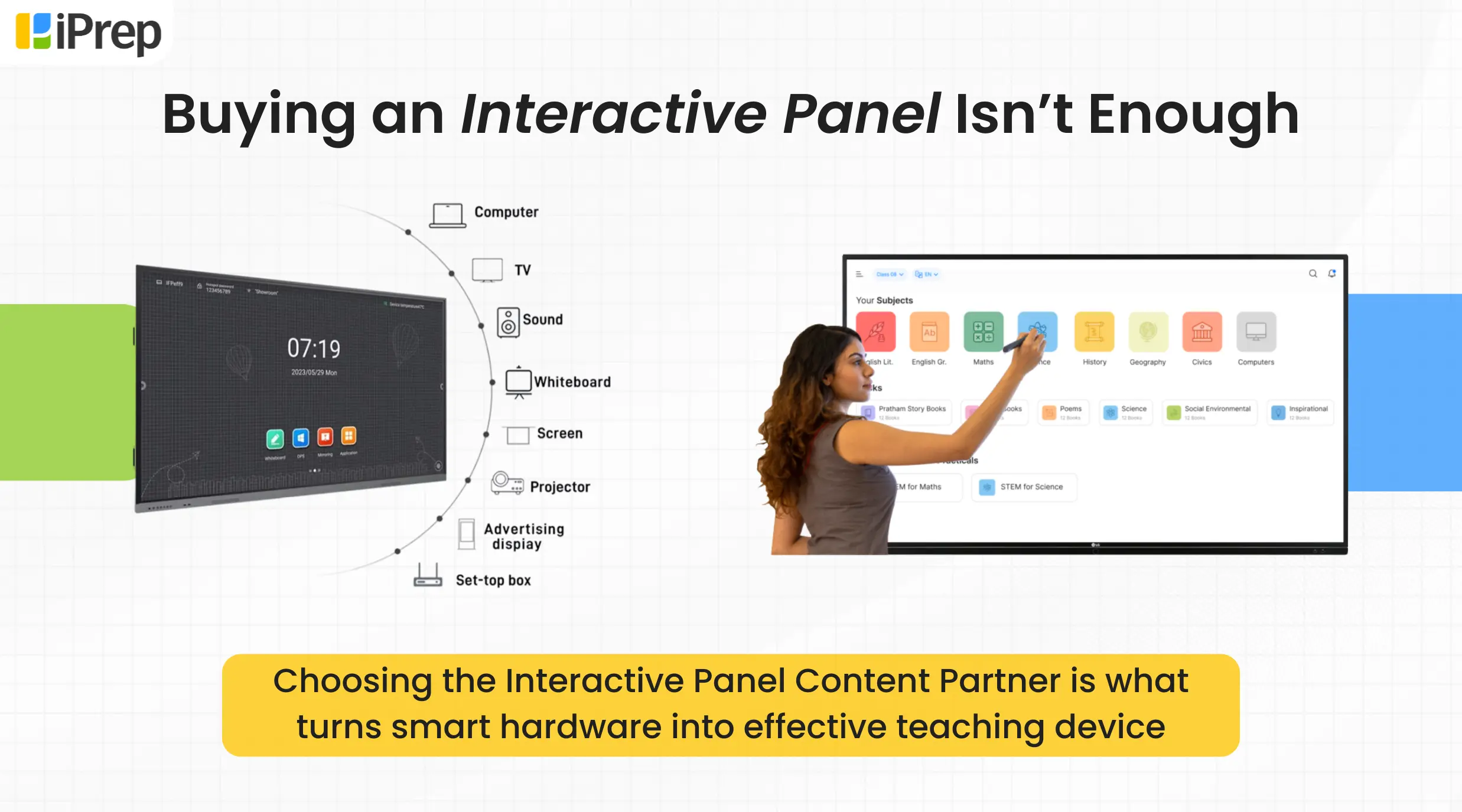
Smart TVs simplify the entire smart-class setup by combining multiple devices into one wall-mounted solution. Instead of managing complex hardware and cables, schools get a single plug-and-play device that enables digital teaching instantly.
With a Smart TV-based smart classroom, teachers can easily:
- Open the LMS directly on the screen
- Navigate through subjects and topics in just a few clicks
- Access animated video lessons, practice questions, notes, and additional learning resources
- Deliver engaging digital lessons seamlessly in the classroom
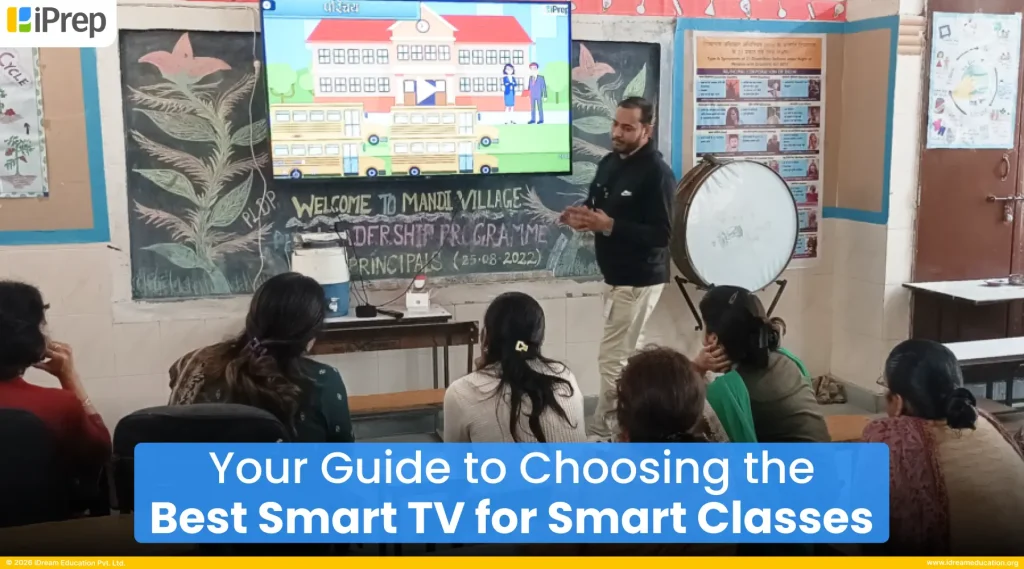
The smart TV for smart class works as a connected teaching device, where all the learning content is accessible anytime. Teachers simply turn on the device, log into the platform, and start teaching without complicated setup or technical effort. This makes smart TVs a simple, scalable, and teacher-friendly solution for enabling smart classrooms and improving the teaching-learning experience.
While Smart TVs are not meant to replace high-end interactive panels in every situation, they work extremely well for most classroom needs, especially where budgets, maintenance, and ease of use matter. For many schools, Smart Class TVs for smart class are the most practical way to start teaching digitally without making the system complicated or fragile. Discover: Smart Boards for Schools
What Should You Look for in the Best Smart TV for Smart Class?
When you look for the best smart TV for smart class, consider a product that works right away, doesn’t need a tech expert, and handles all your digital learning needs. Here’s what you should look for:
Classroom-Ready Hardware That Works Every Day
The physical and technical build of the Smart TV is the foundation of a reliable smart class setup. Here’s what to prioritize:
- Screen Size & Viewing Distance: Bigger isn’t always better. Choose a Smart Tvs size that ensures all students, even those at the back, can clearly see the content without straining. Class length and seating arrangement should guide your choice.
- Brightness & Anti-Glare: Classrooms often have strong natural light. A screen with good brightness (measured in nits) and anti-glare performance helps maintain visibility throughout the day.
- Durability & Build Quality: School environments are active places. Look for solid build quality, reliable mounting options, and good heat management to reduce breakdowns.
- Audio Clarity: Built-in speakers need to be loud and clear so students hear videos, voice content, and explanations without external speakers.
- Connectivity Options: Multiple HDMI/USB ports and wireless casting support make it easy to connect laptops, tablets, and mobile devices.
- Energy Efficiency: Lower power consumption helps keep running costs manageable, especially where electricity use must be optimized.
Good hardware means teachers can use the Smart TV for smart classes confidently, without daily technical interruptions that disrupt learning.
Pre-Installed Smart Class LMS
A Smart TV becomes truly useful when it supports educational content delivery through a compatible smart class Learning Management System (LMS) or classroom apps.
- Compatibility with Your LMS Platform: Look for Smart TVs that work smoothly with the LMS platform you are choosing for your schools. Whether through Android apps, web access, or dedicated smart class software. If the TV and LMS don’t work well together, teachers will always need extra devices, which defeats the purpose of a smart class setup.
- Easy to Navigate & Bilingual: The smart class LMS should be simple to use, with clear menus and minimal steps to reach lessons/subjects. It should also support bilingual or multilingual use, so your smart TV for smart class can work in schools across different states and language backgrounds in India.
- Aligned with School Education: The LMS should match how teachers already teach aligned to school boards, subjects, classes, and lesson flow. It should not feel like an “external system” that teachers have to adjust to. Instead, it should feel like a complete teaching resource package, with all resources such as videos, practice, syllabus books, worksheets, assessments, and teacher guides, available in one place and easy to navigate.
- Offers Usage Reporting: The best Smart TVs for smart class are those that work with an LMS that provides clear usage reports. These reports help you understand how often the system is being used, how teachers and students are engaging with it, and where support is needed – so you can make informed decisions about adoption, improvement, and scaling the program further.
When the Smart TV and LMS work together smoothly, technology fades into the background—and teaching takes the lead.
Quality Educational Content That Supports Learning
Hardware and LMS are important, but smart class content is what truly fuels meaningful engagement in the classroom.
- Access to Digital Curriculum: Ensure the Smart TV with educational content provides seamless access to all types of NCERT/Stateboard learning resources your school uses. This includes video lessons, practice content, digital books, lesson modules, and curriculum material in formats such as PDFs, and videos. Teachers should be able to open and use these easily during class without technical hurdles.
- Local & Offline Content Storage: The best Smart TVs for smart class are those that allow connection to external storage such as pen drives or hard disks. This makes it possible to run offline content on Smart TVs, which is critical in areas with weak or unreliable internet. Offline access turns the Smart TV into a complete smart class solution, not one that depends on connectivity every day.
- Language & Curriculum Alignment: Smart class content should be aligned with NCERT/Stateboard boards, and languages of instruction. When students see content in their own language and according to their syllabus, learning feels familiar and relevant.
Teacher Training & On-Ground Support
When choosing the best Smart TVs for smart class, one of the most important factors to consider is teacher training. Even the best technology fails if teachers are not confident using it.
- Look for a provider who offers experiential, hands-on training on how to use the Smart TV, LMS, and smart class content in real classroom situations. Training should not be just a one-time demo, it should help teachers actually practice, plan lessons, and use the system in their daily teaching.
- Equally important is on-ground support. The provider should be available when schools need help – during installation, early usage, and whenever issues arise. If teachers get stuck and there is no quick support, the Smart TV will slowly stop being used.
If you would like to explore and learn more about the best Smart TVs with educational content for a smart class setup, and are planning to implement them in schools, you may contact us at +91 7678265039. You can also share your details here or write to us at share@idreameducation.org.
Frequently Asked Questions -
1. What is a smart TV for smart class?
A smart TV for smart class is a large display screen connected to the internet that allows teachers to access digital lessons, videos, presentations, and learning apps directly in the classroom. It enables multimedia teaching without complex equipment. A smart TV for smart class can also support offline digital learning through an LMS, allowing teachers to access preloaded content even without internet connectivity, especially when the TV is part of a complete smart class solution provided by a content or technology vendor.
2. Why do schools use smart TVs in classrooms?
Schools use smart TVs to make lessons more engaging through digital curriculum resources such as animated videos, practice, notes, lab videos, and lot more. This helps teachers explain concepts better and improves student understanding.
3. What features should the best smart TV for smart class have?
The best smart TV for smart class should support LMS access, offline content, clear display resolution, easy navigation, and compatibility with digital curriculum content aligned to NCERT or state boards and usage reporting.
4. What size smart TV is best for smart class?
The ideal size depends on classroom size. Larger classrooms typically require 55–65 inch screens so students at the back can clearly see the content.
5. Can a smart TV work without the internet in a classroom?
Yes. Many smart TVs used in smart classrooms support offline learning via pen drives. Digital curriculum resources are preloaded onto these drives and can be accessed through preinstalled Learning Management Systems (LMS) such as iPrep.
6. How does a smart TV improve teaching in a smart class?
A smart TV empowers teachers to enhance classroom interaction and lesson delivery by integrating digital curriculum resources, helping explain complex concepts visually and making lessons more engaging and interactive.
7. Is a smart TV enough for a complete smart class setup?
A smart TV is the core display device, but a complete smart class setup also includes digital curriculum content, LMS access, teacher training, usage reporting and classroom implementation support.
Categories You may Explore
Related Articles